
Take a look around your home. You probably see things that need a better place—maybe pens, cables, or kitchen containers. Start by making a quick inventory and sort items by their size and how often you use them. You might want to organize stuff like clothing clips, bathroom accessories, or tool holders. You don’t have to be a pro to design 3d prints for home organization. Tools like Tinkercad, Blender, and Ultimaker Cura make it easy for beginners. Imagine how much simpler your daily routine could be with custom organizers made just for your space!
Key Takeaways
- First, put your things in order. Write down what you have and group them by size and how often you use them.
- Try easy design tools like Tinkercad or Bento3D. These help you make organizers that fit your space.
- It is important to measure well. Measure your things and where you will store them. This helps everything fit right.
- Pick good materials so your organizers last longer. Use PLA for light things. Use PETG if you need something strong or heat-proof.
- Do not make common mistakes. Check your printer settings. Clean your prints so they look nice and smooth.
Planning 3D Prints for Home Organization
Getting started with 3d prints for home organization feels easy when you break it down into simple steps. You want your organizers to fit your needs, so planning is key. Let’s walk through how you can organize your tools and measure your spaces for a perfect custom fit.
Tool Inventory and Item Categorization
You probably have tools and gadgets scattered in drawers or cabinets. To make your 3d prints for home organization work, you need to know what you have and how you use it. Here’s a step-by-step way to get organized:
- Lay out all your tools and items. Check every drawer and cabinet so nothing gets missed.
- Sort everything into groups. You can use categories like hand tools, power tools, or seasonal items.
- Pick storage solutions that match the size and number of items. Toolboxes, bags, or bins work well.
- Arrange your storage so the things you use most often are easy to reach. Put those in the top compartments and less-used items below.
Tip: When you sort your items, you’ll spot duplicates or things you don’t need. This helps you clear space and makes your custom organizer more efficient.
Measuring Spaces for Custom Fit
You want your 3d prints for home organization to fit perfectly. Accurate measurements make all the difference. Grab some basic tools to help you measure:
- Rulers: Great for measuring length and width.
- Calipers: Perfect for checking thickness or small gaps.
- Protractors: Handy if you need to measure angles.
You can use metric or imperial units, depending on what works best for you. Some measuring tools even let you check depth or angles, which is useful for tricky spaces. Make sure you measure both the items and the storage area. Write down the numbers so you don’t forget.
Note: Double-check your measurements before you start designing. A small mistake can mean your organizer won’t fit right.
Once you have your inventory and measurements, you’re ready to design organizers that match your space and needs. Planning ahead saves time and helps you create solutions that make your home feel tidy and efficient.
Easy Design Tools and Templates
You want organizers that fit your home and style. You do not need to be a tech expert. Many websites and templates make this easy and fun. Let’s see how you can use these tools for 3d prints for home organization.
User-Friendly Online Design Platforms
There are many design platforms that help you make organizers. These platforms use drag-and-drop tools and simple menus. You can see your organizer in 3D and change it before printing. Here are some popular choices:
|
Platform |
User-Friendliness Features |
Pros |
Cons |
|---|---|---|---|
|
Live Home 3D |
Customizable designs, works on many devices, AR walkthroughs |
Big libraries, looks real, good price, works offline |
Only one project in free version |
|
Homestyler |
Drag-and-drop, works online, AR/VR views |
Good for beginners, lots of items, great for mood boards |
N/A |
|
3Dream |
Over 40,000 icons, interactive 3D view |
Lots of furniture and materials |
N/A |
|
Roomstyler |
Quick layouts, big drawing space |
Accurate tools, easy to use |
N/A |
You can try Bento3D for simple organizer layouts. Bento3D lets you make custom spaces for drawers or shelves. Pick the size, drag shapes, and see your organizer. You do not need coding or advanced design skills.
Tip: Begin with a simple layout. Change the spaces as you measure your items. This helps you avoid mistakes and makes your organizer better.
If you want to compare templates and custom options, look at this table:
|
Feature |
Template Website |
Custom Website |
|---|---|---|
|
Design Approach |
Pre-designed layout |
Fully custom design |
|
Cost |
Cheaper |
Costs more |
|
Timeline |
Quick to start |
Takes longer |
|
Flexibility |
Some changes allowed |
Very flexible |
|
Best For |
Beginners |
Advanced users |
Templates are fast and easy. You can finish your project in a few hours. Custom designs take longer but let you control more. Drag-and-drop tools make both options simple for new users.
Finding Inspiration and Templates
You might wonder where to get ideas for your next organizer. Many websites and groups share free and paid templates. You can look, download, and change them for your needs.
- Thingiverse: This site has many free designs. Search for organizers by type or size.
- Tinkercad Gallery: Good for beginners. Find simple designs and change them for your space.
- MyMiniFactory & Cults3D: These sites have paid designs. Find special organizers and support creators.
You can also get ideas from blogs, videos, and online groups. Many people share their projects and tips. You can see how others solve storage problems and learn new ideas.
Note: Community tips help you find the best templates. Try searching for “3d prints for home organization” to see what others made.
If you want to change a template, most platforms let you pick colors, add labels, or change sizes. You can make your organizer fit your style and needs.
Now you have the tools and ideas to start designing. Pick a platform, find a template, and make changes for your home. You will see how easy and fun it is to make organizers that keep your space neat.
Customizing Organizers for Different Rooms
You want your home to be neat and simple to use. Making 3D printed organizers for each room helps you fix problems. It also keeps your rooms clean. Let’s see how you can make organizers for drawers, desks, kitchens, and garages.
Drawer and Desk Organizer Design
Drawers and desks can get messy fast. You can use organizers that fit your space. Modular inserts are popular because you can move them around. You can change the layout when you want. Parametric designs let you change the size to fit your drawer. Community support gives you templates and ideas to try.
|
Design Feature |
Description |
|---|---|
|
Modularity |
Custom-fit inserts that adjust to different drawer shapes. |
|
Parametric Design |
Lets you scale designs for maximum space use. |
|
Community Support |
Offers templates and resources for all skill levels. |
You might need cable ties or holders to keep cords neat. Table organizers with small spaces help you store things like AirPods or pen drives. Phone stands and desk organizers save space and keep your desk clean.
Kitchen and Garage Storage Solutions
Kitchens and garages need strong and useful organizers. You can print cable organizer boxes to keep cords tidy. Stackable storage boxes are good for tools or pantry items. Gridfinity storage boxes help you organize your workspace. They come in many sizes.
- Cable organizer boxes are easy to print and fix a common problem.
- Stackable storage boxes let you use space above and keep things sorted.
- Gridfinity boxes fit many needs and help you stay neat.
You can add refillable soap dispensers or hooks for keys and tools. Adjustable spaces for spice jars make cooking easier.
Sizing and Adjusting Compartments
Getting the right size is important. Start by making a list of your tools. Sort items by size and how much you use them. Use digital calipers to measure length, width, and height. This helps you make spaces that fit each item.
- Decide what you want to organize.
- Group items by size and use.
- Measure each item carefully.
- Change compartment sizes in your design.
Custom solutions make your organizers work better. You use space well and keep things in order. When you use 3d prints for home organization, you can make organizers for every room and every need.
Tip: Check your measurements twice before printing. This saves time and helps your organizer fit just right.
You can make hooks for entryways or spaces for kitchen spices. Pick materials like PETG if you need something strong, especially in hot or busy rooms.
Now you have what you need to design organizers for any room. Try different layouts and change spaces to fit your things. Your home will be more organized and work better.
Materials and Print Settings
Choosing the right material and print settings makes your 3D printed organizers last longer and work better. You want your organizers to be strong, look good, and fit your space. Let’s look at the best materials, how to set up your printer, and when a large printer helps.
PLA vs PETG for Durability
You will see two popular materials for home organizers: PLA and PETG. PLA is easy to print and costs less. It works well for indoor projects and looks nice. PETG is a bit tougher and bends more without breaking. It handles heat and chemicals better, so it’s great for things that need to hold weight or go outside.
Here’s a quick comparison:
|
Property |
PLA |
PETG |
|---|---|---|
|
Strength |
Good, but brittle |
Strong and flexible |
|
Heat Resistance |
Up to 60°C |
Up to 80°C |
|
Cost |
More affordable |
Slightly more expensive |
|
Ease of Printing |
Very easy |
Needs careful handling |
|
Best Use |
Indoor, light items |
Functional, outdoor items |
If you want a simple pen holder, PLA works fine. For a garage tool rack or kitchen organizer, PETG gives you more strength and lasts longer.
Print Settings for Functional Parts
You want your organizers to be strong and not waste material. Here are some tips:
- Use 20-50% infill. This gives a good balance of strength and saves plastic.
- Make walls thicker or add ribs if you need extra support.
- PETG works better for parts that need to hold weight or face heat.
|
Material |
Properties |
Best For |
|---|---|---|
|
PLA |
Easy, but can sag or warp |
Light, indoor organizers |
|
PETG |
Handles heat, flexible, durable |
Heavy-duty, outdoor parts |
Check your printer settings before you start. A few small changes can make your organizer last much longer.
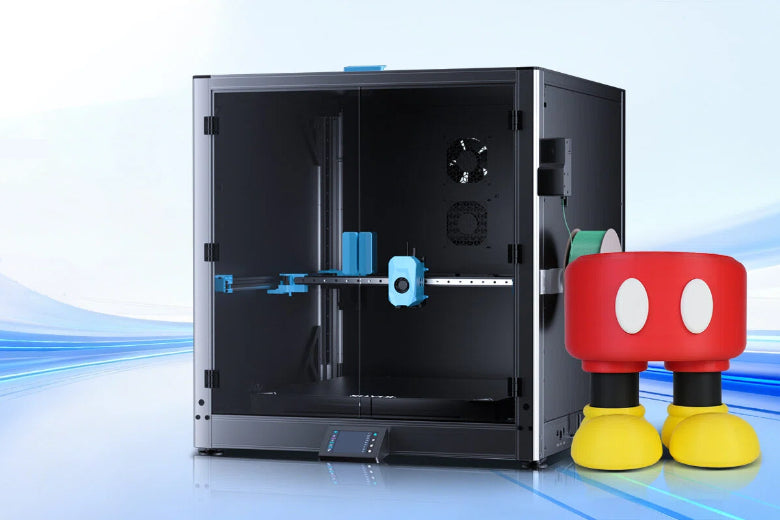
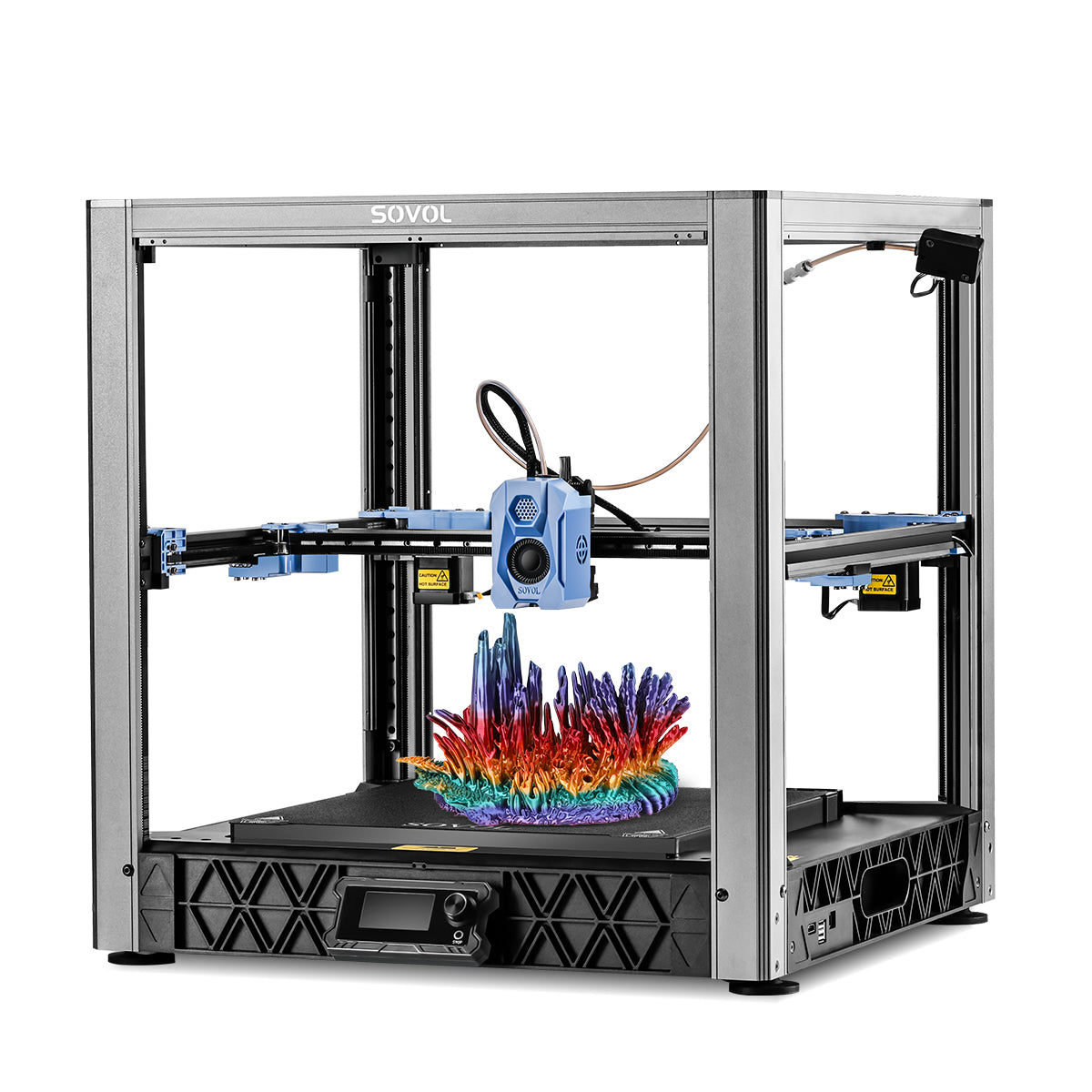
Large Build Volume Printers
Sometimes you want to print a big organizer, like a full drawer tray or a shelf divider. Large build volume printers help you make bigger items in one piece. This means you spend less time putting parts together and your organizer feels stronger.
|
Benefit |
What It Means for You |
|---|---|
|
Make full-size organizers in one go |
|
|
Fewer parts to assemble |
Save time and effort |
|
Stronger, more solid products |
Organizers last longer and work better |
If you plan to organize a whole closet or garage, a large printer can make your project easier and faster.
Tip: Start with small prints if you’re new. Try bigger prints when you feel ready and want to organize more space.
With the right material and settings, your 3D printed organizers will be strong, neat, and just right for your home.
Common Mistakes and Finishing Tips
Designing and printing your own 3D organizers feels exciting, but you might run into a few bumps along the way. Don’t worry! You can avoid most problems with a little planning and some simple tricks. Let’s look at the most common mistakes and how you can finish your prints like a pro.
Avoiding Design Errors
You want your organizers to last and fit perfectly. Some mistakes happen often, but you can stop them before they start. Here’s a quick guide:
|
Design Error |
|
|---|---|
|
Improper material storage |
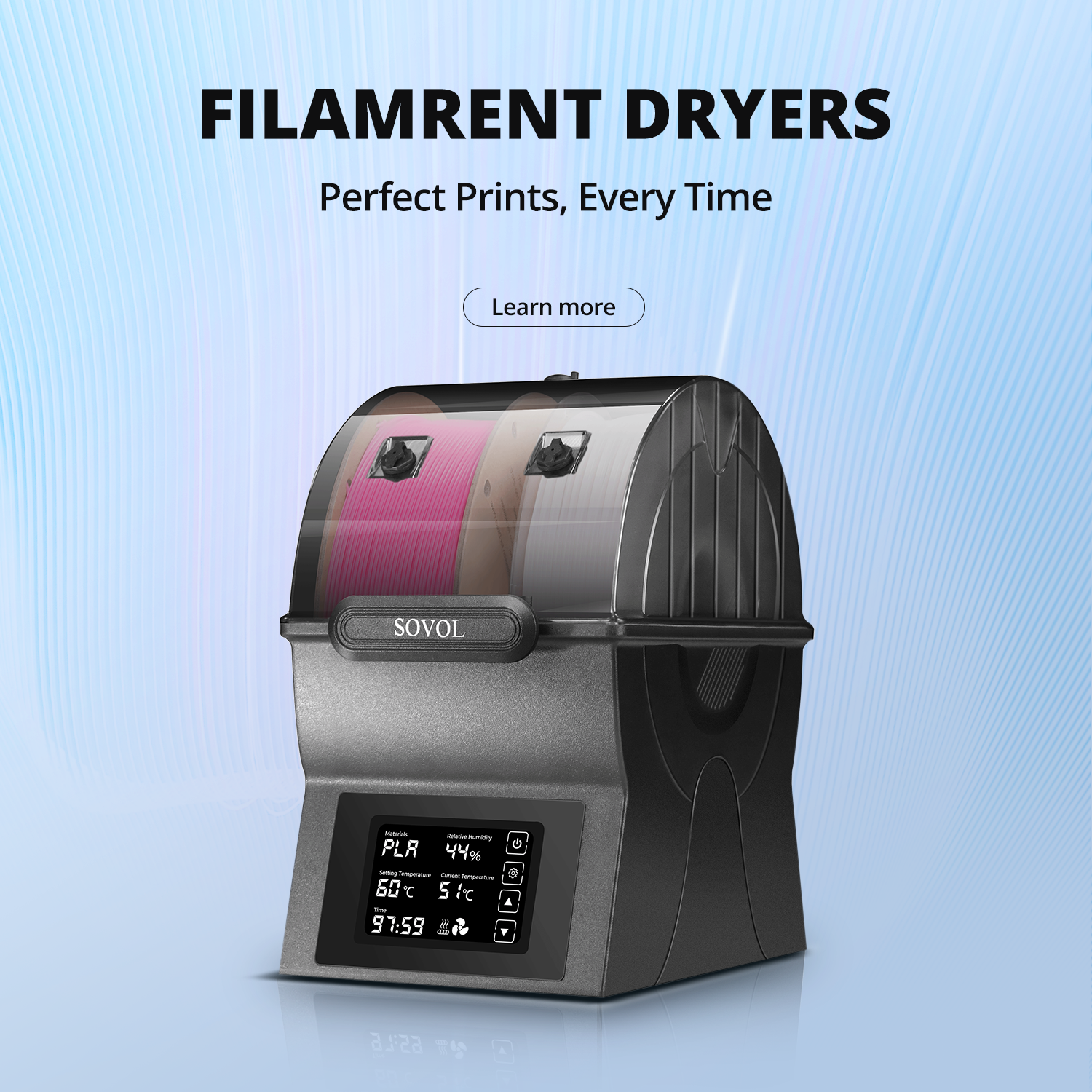
Keep your filament in airtight containers or bags with desiccants. |
|
Incorrect printer settings |
Adjust temperature, layer height, and infill for each material you use. |
|
Poor bed leveling |
Re-level your print bed before each print or every 10-15 prints. |
If you store your filament right, you stop moisture from ruining your prints. Always check your printer settings for each new project. A quick bed leveling makes sure your first layer sticks well. These small steps save you time and help you get better results.
Tip: Write down your favorite settings for each material. This makes future prints easier and faster.
Cleaning and Assembling Prints
After printing, your organizer might need a little cleanup. You can make your prints look smooth and fit together well with a few easy steps:
- Wet-sand flat surfaces with 600 or 800 grit sandpaper for a smooth touch.
- Use a heat gun gently to clean up discolored spots, but be careful not to melt your part.
- Try polishing bits to buff and shine your organizer.
- For ABS prints, use acetone vapor to get a glossy, smooth finish.
When you put together multi-part organizers, you want them to stay strong and steady. Here’s what helps:
- Use a wide nozzle (like 0.6 or 0.8mm) for thicker, stronger walls.
- Tilt modules so they don’t tip over easily.
- Interlock boxes with dovetail guides and connect them with clips or bolts.
- Reinforce the bottom parts if your organizer is tall or holds heavy items.
You can make your organizers look great and work even better with these finishing touches. Take your time, and you’ll love the results!
You can start small and see big changes with 3d prints for home organization. Try making your own designs and watch your space get tidy fast. You will feel proud when you use something you made.
- Custom organizers fit your life.
- You save time and keep things neat.
- Every print teaches you something new.
FAQ
Wondering about 3D printing for home organization? Here are answers to common questions. You can find quick tips and solutions below.
How do I start designing a 3D organizer if I’m a beginner?
You can use free tools like Tinkercad. Start with simple shapes. Try a basic box or tray. Watch a short video tutorial. You will learn step by step.
What material should I use for kitchen or garage organizers?
PETG works best for strong, heat-resistant organizers.
PLA is good for light, indoor items. Choose PETG if you need durability.
How can I make sure my organizer fits my drawer or shelf?
Measure your space with a ruler or caliper. Write down the length, width, and height. Double-check your numbers. Adjust your design before printing.
Can I find ready-made templates for organizers?
You can search Thingiverse or Tinkercad Gallery. Download free templates. Change the size or color to match your needs. Templates save you time.
What should I do if my print doesn’t fit or looks rough?
Sand rough edges with fine sandpaper.
Check your measurements. Try printing a small test piece first. Adjust your design if needed.
You can solve most problems with simple steps. Try new ideas and share your results!